
If your 4WD trips take in creeks and mud, this post is the routine for either side of the water: what to do with the sensors going in, and what to check coming out.
If you tow a boat, the ramp is a different job. Our post on TPMS for a boat trailer covers that.
Can TPMS sensors go through water crossings?
A splash is fine. The Aura and Guardian sensors are rated IP67 for water and dust.
For deep or long crossings, take the sensors off first. We don't give a depth figure. If you're not sure, take them off.
No sensor is built to sit under water for long. Our guide to internal vs external TPMS sensors explains how each type is fitted.
How do you take the sensors off before a crossing?
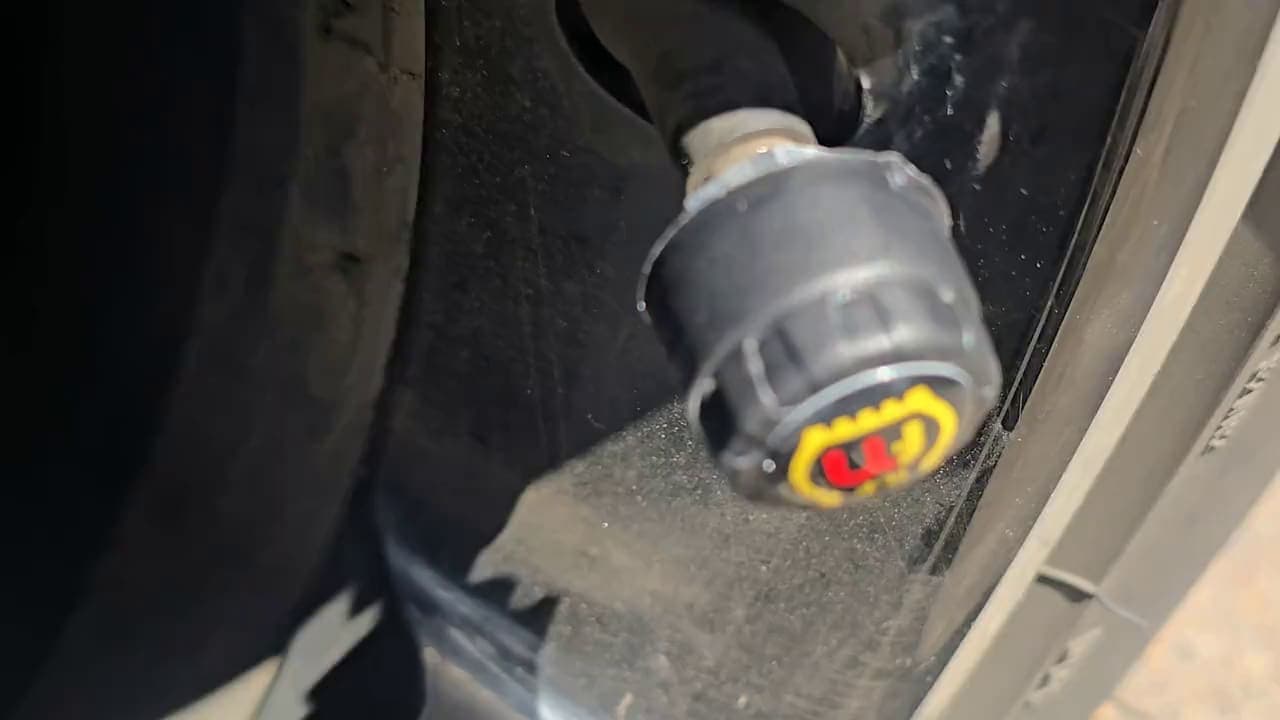
The sensors in our kits are external. They screw onto the valve stems, so you can take them off yourself.
- Stop before the water. Pick a firm, flat spot.
- Undo the locking nut. On an Aura, undo each anti-theft locking nut first with the supplied tool.
- Unscrew each sensor. Do every wheel that will go under.
- Screw a plain valve cap on. It keeps grit and water out of the bare valve. Keep a set of caps in the car for this.
- Keep the sensors together. Put them somewhere dry in the car, so none go missing.
More on the locking nuts in our post on external TPMS sensor theft.

What should you check after a creek crossing or mud?
Once you're through, stop somewhere safe and walk around the vehicle. Work wheel by wheel.
- Clean the valve and sensor. Wipe or rinse off mud and grit, so you can see what you're checking.
- Look at each valve stem. Check it isn't bent, cracked or cut. Rocks and sticks in a creek bed can hit a wheel.
- Refit each sensor to the wheel it came off. Screw it down firmly, so its seal sits right. On an Aura, refit the locking nut.
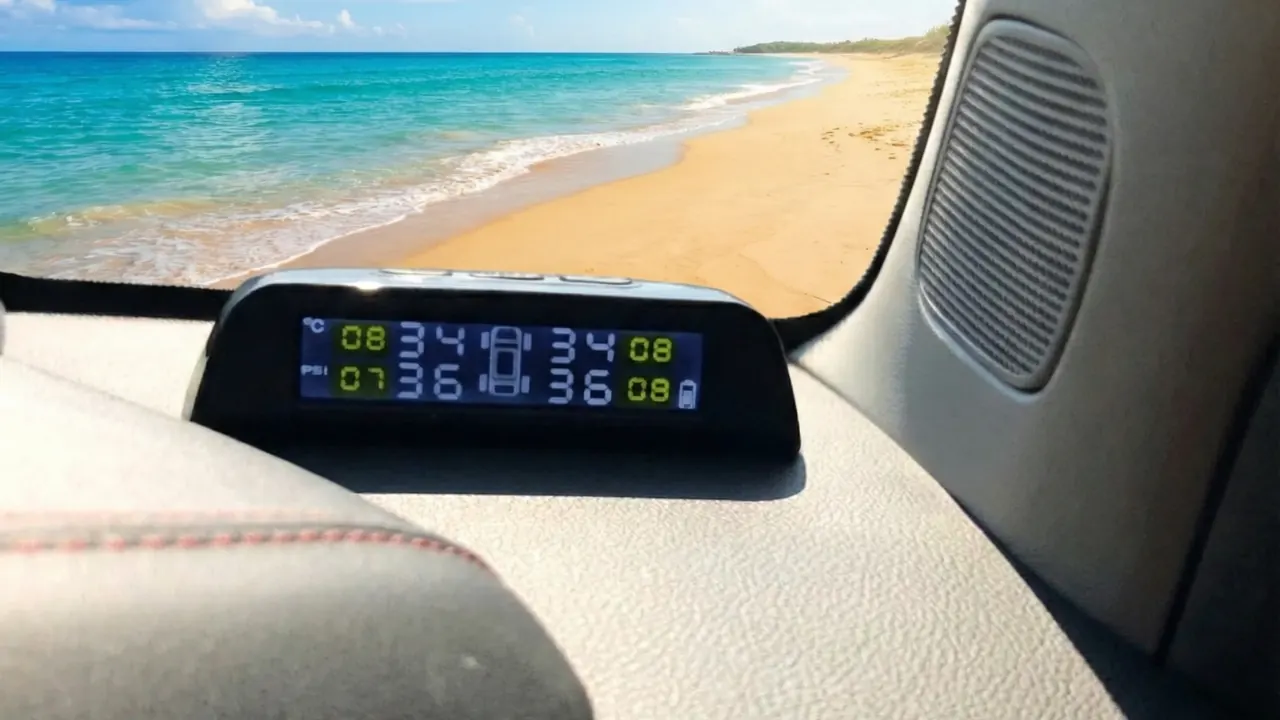
- Check the screen. Make sure it shows a reading for every tyre.
- Compare tyres on the same axle. If one reads well under the one opposite, check it with a gauge.
Why readings can drop after cold water
Tyres warm up as you drive. Cold creek water cools them, and pressure drops as a tyre cools.
So expect lower readings for a while after a crossing. They come back up as the tyres warm again. Our post on tyre pressure and temperature explains why.
A reading that keeps falling is different. That points to air loss, so stop and check that tyre. The Aura's alarms cover low pressure and leaks, with a sound and on the screen.
Why look over the tyres by eye too?
A TPMS reads pressure and temperature. It can't see the tyre itself.
Mud and water hide things. After a crossing, look for:
- Cuts and scrapes on the sidewalls and tread.
- Bulges in the sidewall.
- Sticks, stones or stakes wedged in the tread.
- Mud packed into the tread, which hides what's underneath.
The TPMS also doesn't watch wheel bearings or hubs. Look after those as your vehicle maker advises.
A TPMS is an extra set of eyes. It does not replace checking your tyres by eye and with a gauge before you drive. Our pre-trip tyre check covers what to look at.
If a tyre needs air, the Surge Portable Air Pump runs from the 12 V socket and goes up to 150 PSI, with a gauge built in.
Your next step
Put a set of plain valve caps in the car before your next trip. Then make the sensor check part of every crossing. For more on running a TPMS off-road, see 4WD TPMS, or answer a few questions in find my kit.
Questions
Are TPMS sensors waterproof?
The Aura and Guardian sensors are IP67 rated for water and dust. A splash is fine, but take them off for deep or long crossings.
Can someone steal the sensors while I'm camped?
Aura kits come with anti-theft locking nuts that need the supplied tool to undo. Refit the nuts after every crossing.
What if I lose a sensor at a crossing?
Spare sensors aren't in the shop yet. Email us at info@flatmate-tpms.com and we'll sort it out.
Not sure what your rig needs? Email us your rig: info@flatmate-tpms.com