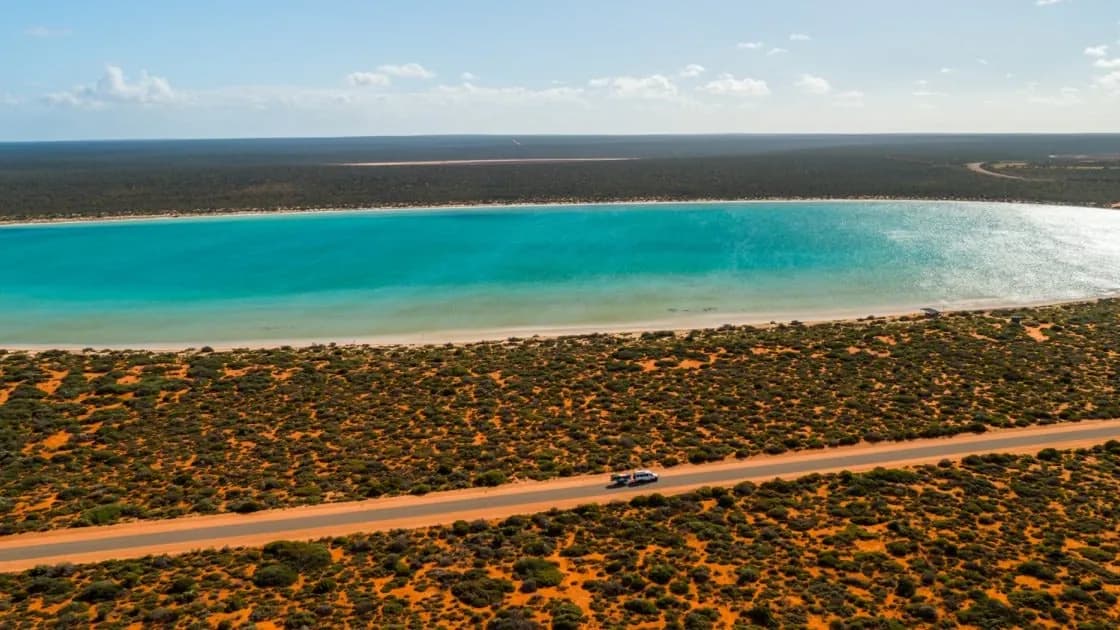

Airing down is how you get across soft sand. It also means a TPMS set for the highway will beep at you all day. Here's how to set it up for the beach.
Why you air down on sand
A softer tyre spreads out and floats over soft sand instead of digging in. For how far to go, start with our 4WD tyre pressures guide.
Go too low, or turn too sharply, and a tyre can roll off the rim. Keep steering gentle and speed down.
The alarm problem
Your TPMS low-pressure alarm is set for the highway. Air down for the beach and every tyre drops below it, so the alarm goes off, and keeps going off.
Turning the TPMS off isn't the answer. That's when you'd miss a tyre going too low, or one losing air from a stake.
Set the alarm low before you air down
- Before the beach, set the low-pressure alarm a little under your sand pressure.
- Air down and watch each tyre come down on the screen, with no crawling around with a gauge.
- On the sand, the alarm stays quiet unless a tyre keeps dropping below your sand pressure.
- At the exit, air back up and set the alarm back to your highway level.

Watch temperature on the drive out
A soft tyre run too fast heats up. Keep your speed down until you've aired back up, and keep an eye on each tyre's temperature on the screen.
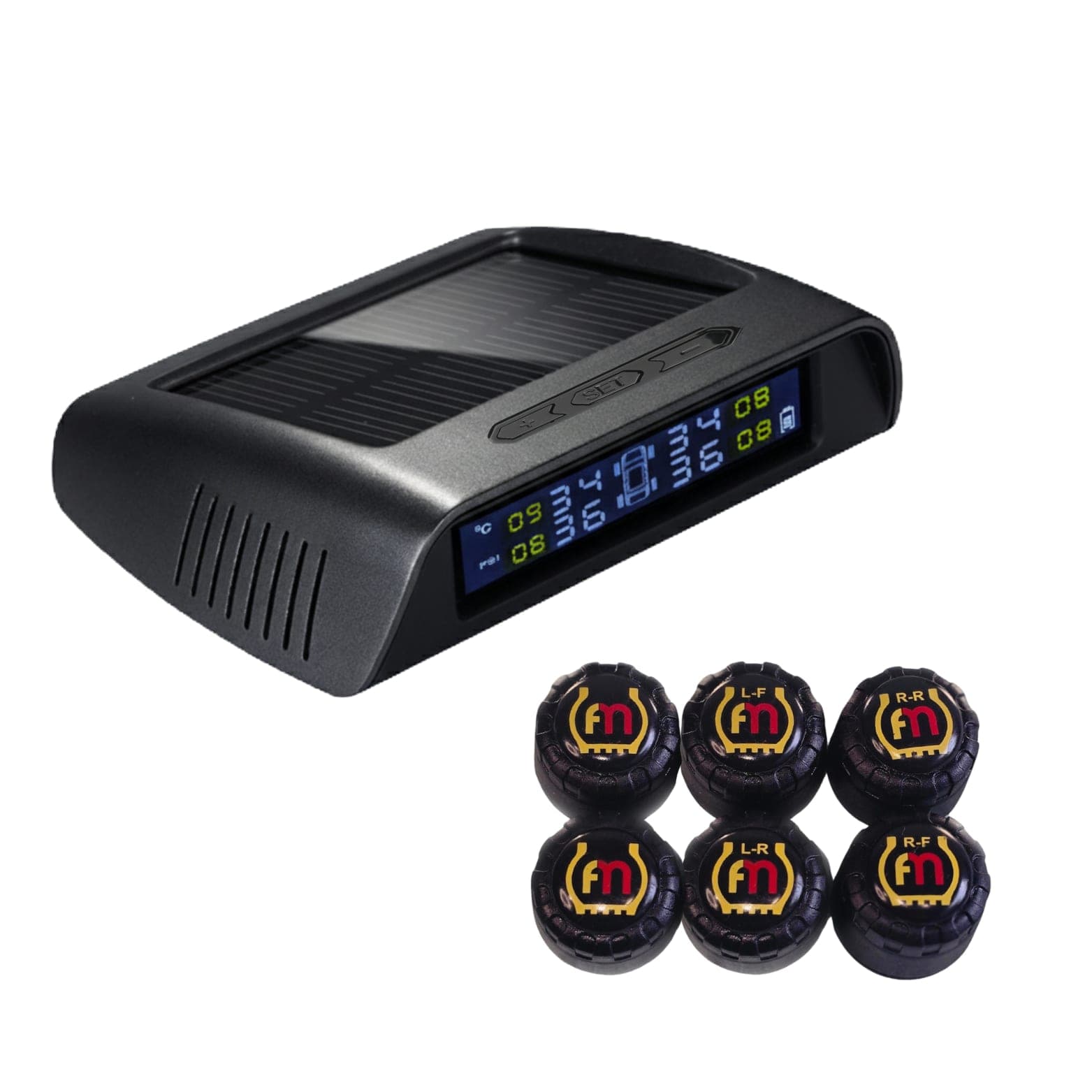
The Aura A-Series lets you set the low-pressure alarm low for sand, and shows pressure and temperature for every tyre. A Surge Portable Air Pump gets you back up to road pressure at the exit.
More for the trail: see 4WD TPMS.
Not sure what your rig needs? Email us your rig: info@flatmate-tpms.com